When reviewing client websites, one issue appears again and again.
The text is simply too difficult to read.
Sometimes the font size is too small.
Sometimes the spacing is too tight.
And sometimes there are too many fonts competing for attention.
Typography might seem like a small design detail, but it has a huge impact on how visitors experience your website.
Clear, well-structured text helps your website feel more professional, easier to read and more trustworthy.
The good news is that there’s one simple fix that can dramatically improve your website readability.
Start With the Right Font Size
If your body text is too small, visitors have to work harder to read your content.
And when people have to work too hard to read something online, they usually leave.
For most websites, the recommended body text size is:
16px – 18px
This range is widely accepted as the most comfortable reading size for websites and works well across both desktop and mobile screens.
Anything smaller than 16px can quickly become difficult to read, especially on phones.
Spacing Makes a Big Difference
Font size is only part of the picture.
Line spacing also plays an important role in readability.
When lines of text are too close together, the page feels cramped and overwhelming.
For most websites, a line height between 1.5 and 1.7 works best. This gives text enough breathing room and makes it much easier for visitors to read longer sections of content.
Keep Your Font Choices Simple
Another common mistake I see on websites is using too many fonts.
While it might seem like a good idea to mix different styles, this often makes a website look cluttered and inconsistent.
A simple approach usually works best:
• one font for headings
• one font for body text
• an optional accent font if needed
In most cases, two fonts are more than enough.
Fonts such as Open Sans, Montserrat, Lato and Poppins are popular choices because they are clean, modern and highly readable on screens.
Don’t Forget Mobile Users
Today, more than half of website traffic comes from mobile devices.
That means your typography must work just as well on a phone as it does on a desktop.
Before publishing any changes to your website, always check how your text looks on a mobile screen. If visitors need to zoom in to read your content, it’s a clear sign the text is too small.
Download our Free Font Size Guide
If you’re unsure what font sizes your website should be using, I’ve created a simple resource to help.
The Perfect Website Font Size Guide
This quick reference guide shows the recommended font sizes for headings, body text and mobile screens, making it easy to create a website that is clear, professional and comfortable to read.
You’ll also receive a companion guide:
7 Typography Mistakes to Avoid on Your Website
These are some of the most common typography problems I see when reviewing client websites, along with simple fixes that instantly improve readability.
Final Thoughts
Typography might not always be the first thing people notice on a website, but it quietly shapes how visitors experience your content.
When your text is clear, well spaced and easy to read, your website immediately feels more professional and trustworthy.
And sometimes, a small change like adjusting your font size can make a surprisingly big difference.
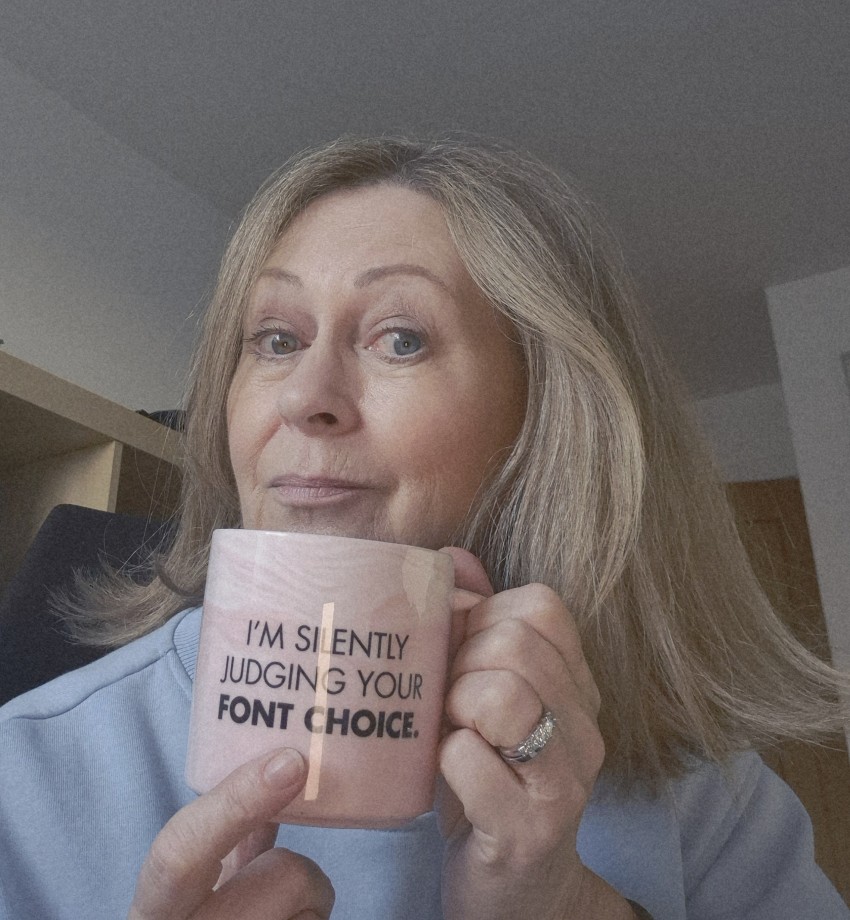
| I help small business owners build, manage and improve their websites without the tech overwhelm.With over 30 years in the design world (and a lifelong love of typography), I’m passionate about helping business owners create websites that are clear, professional and easy to use. And yes… I really am silently judging your font choices. Need help with your website? Book a quick chat |