
Anode Fitness
Website Rebrand
What Happened When A Client Rebranded
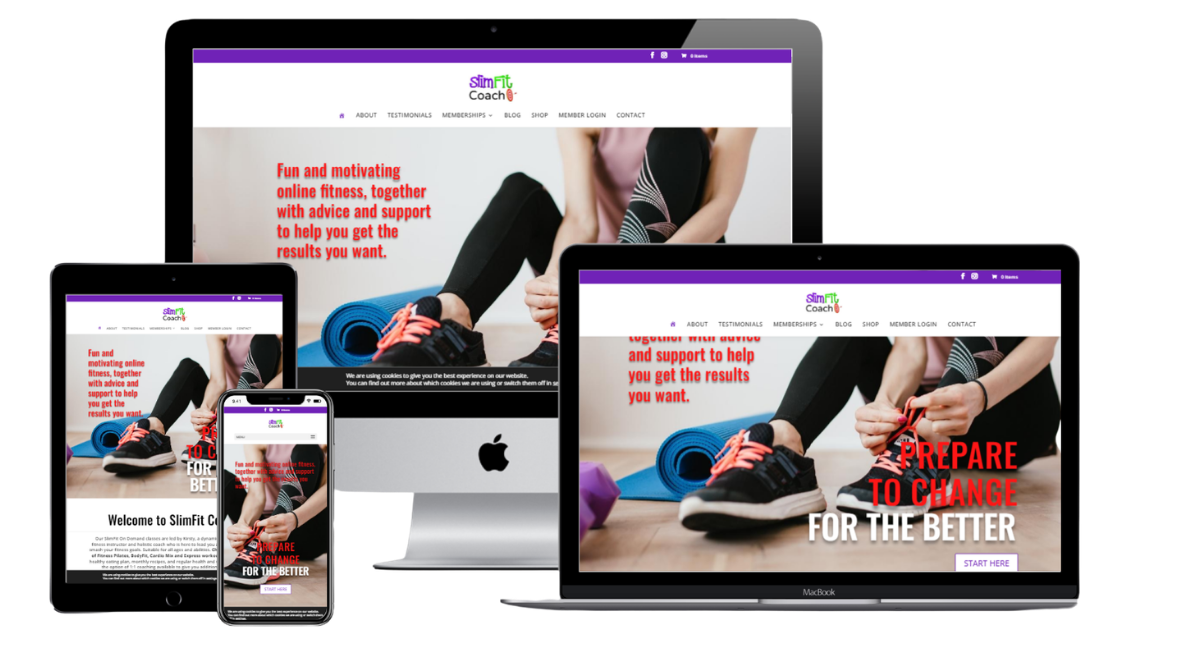
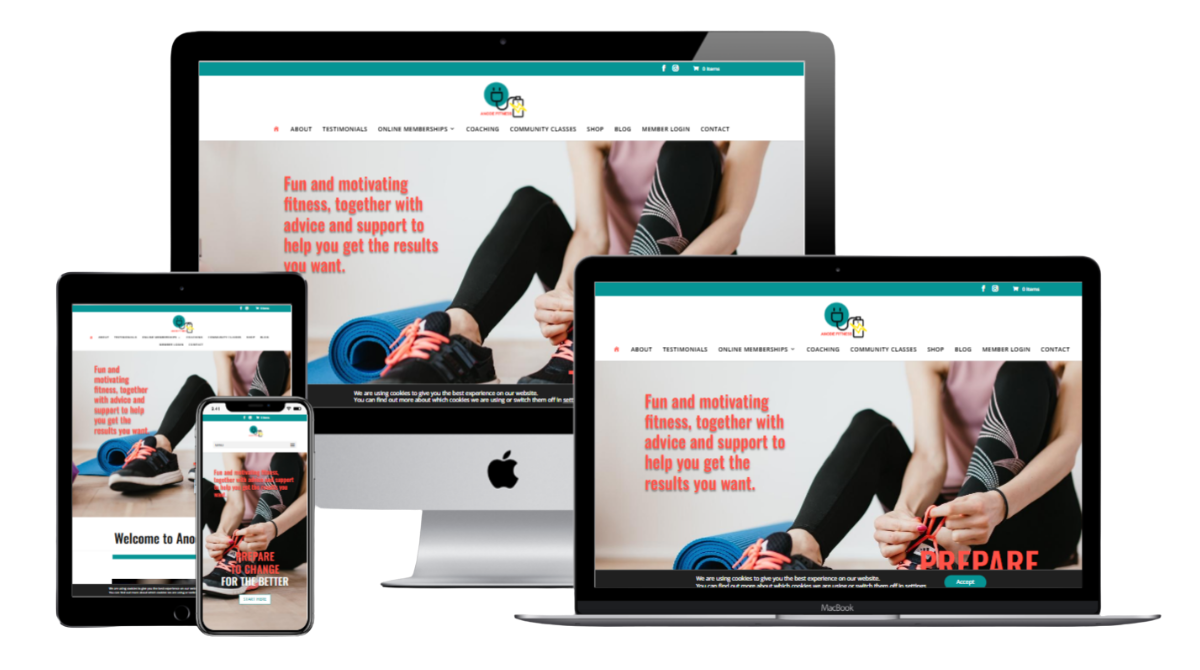
What Happens to My Website if I Rebrand?
That’s a very good question — and exactly what one of our clients asked me last year when she decided to launch her business under a completely new brand name.
In fact, we’d been through the process myself a few years earlier when we rebranded from FiitMarketing to JR Digital Design, so we already understood the steps involved in making the transition as smooth as possible.
When Kirsty from SlimFit Coach approached me about rebranding her business to Anode Fitness, complete with a new logo and colour palette, we knew exactly how to approach the project.
The important thing to understand is that rebranding a website isn’t simply a case of attaching a new domain name to an existing site. There’s a structured process involved to ensure that clients can still find your business online and that nothing important gets lost along the way.
Step 1: Secure and Back Up the Existing Website
Before making any changes, we ensured that all Plugins, Themes and WordPress systems on the original website were fully up to date.
We then carried out a complete backup of the website and downloaded all files securely to the JR Digital Design external hard drive. This gave us a full restore point before beginning the rebrand process.
Step 2: Build the New Website on the New Domain
Kirsty had already purchased her new domain name, so the next step was to create a fresh WordPress installation using the new address.
Once the new website was set up, we migrated the existing website files and database across to the new domain. We then carried out a full systems check — reviewing pages, media files, permalinks, forms and functionality — to ensure everything had transferred correctly with no technical issues.
At this stage, we effectively had two identical websites running on two separate domain names.
Step 3: Apply the New Branding
With the new website fully functional, we uploaded the new logo and updated the branding throughout the entire site, including colours, graphics and styling.
This transformed the duplicated website into the new Anode Fitness brand experience while still retaining all of the original content, functionality and SEO value from the previous site.
Step 4: Redirect the Old Website
Because the website included a membership area where clients log in to access paid content, it was essential that the transition felt seamless for existing users.
To achieve this, we set up a redirect from the old website to the new one. This meant that anyone visiting the previous domain name was automatically taken to the new Anode Fitness website without needing to do anything themselves.
Step 5: Set Up New Email Addresses
As part of the rebrand, we also created a new business email address for the new brand.
The previous email account was configured to forward messages to the new address, ensuring that no important client enquiries or communications were missed during the transition period.
Step 6: Keep Both Systems Running During the Transition
To minimise disruption to the business, both the website redirects and email forwarding systems remained in place for six months after the rebrand.
This gave clients, contacts and search engines plenty of time to recognise the new brand identity and update saved bookmarks, links and records.
Once the transition period was complete, the old website and email account were safely removed from the server.